
AI Content Generation,
Your Way
Whether you're a designer, content creator, educator, or professional, create stunning AI-generated images, videos, and 3D models with ease. No subscriptions, just pay-as-you-go coins when you need them.
Why Coins Instead of Subscriptions?
Visura uses a pay-as-you-go coin system instead of traditional monthly subscriptions.
No Commitment
Only pay for what you actually use
No Monthly Fees
Purchase coins when you need them
Coins Never Expire
Use them at your own pace
Perfect for Occasional Users
Great for creators who need AI tools sporadically, not daily
Full Control
You decide when to buy more, no automatic renewals
Best For
Freelancers, hobbyists, and professionals who need AI generation on-demand
Powerful AI Services
Access state-of-the-art AI generation services with comprehensive prompt engineering tutorials and real-world examples
Image Generation
- AI Generator
- Gemini 3 Pro (Nano Banana Pro)
- Imagen 4.0
High-quality text-to-image generation with multiple aspect ratios and advanced parameters
Video Generation
- Veo 2.0 (720p)
- Veo 3.1 (720p/1080p/4K)
Professional video generation with 720p, 1080p HD, and premium 4K quality with audio output
3D Model Generation
- Fast 3D
Convert 2D images to 3D models in GLB or STL format in seconds
Simple, Transparent Pricing
Choose the package that fits your needs
Starter
$0.0345 per coin
- 33 AI Generator images
- 30 Gemini 3 Pro (Nano Banana Pro) images
- 50 Imagen 4.0 images
- 20 Fast 3D models
- 25 seconds of Veo 3.0/3.1 video
Creator
$0.044 per coin
- 113 AI Generator images
- 102 Gemini 3 Pro (Nano Banana Pro) images
- 170 Imagen 4.0 images
- 68 Fast 3D models
- 85 seconds of Veo 3.0/3.1 video
Pro
$0.038 per coin
- 216 AI Generator images
- 204 Gemini 3 Pro (Nano Banana Pro) images
- 325 Imagen 4.0 images
- 130 Fast 3D models
- 162 seconds of Veo 3.0/3.1 video
Studio
$0.034 per coin
- 1160 AI Generator images
- 1,025 Gemini 3 Pro (Nano Banana Pro) images
- 1,450 Imagen 4.0 images
- 580 Fast 3D models
- 725 seconds of Veo 3.0/3.1 video
Master AI Generation with Prompt Engineering Tutorials
Learn professional prompt writing techniques with real examples and results. Our comprehensive tutorials cover text-to-image, text-to-video, image-to-video, and image-to-3D conversion with proven strategies for stunning AI-generated content.
AI Generator - Style Models
Available Models
Choose from 15 style models. Realism, Anime, Art & Furry models support pose/scene tags and batch generation. All others accept text prompts.
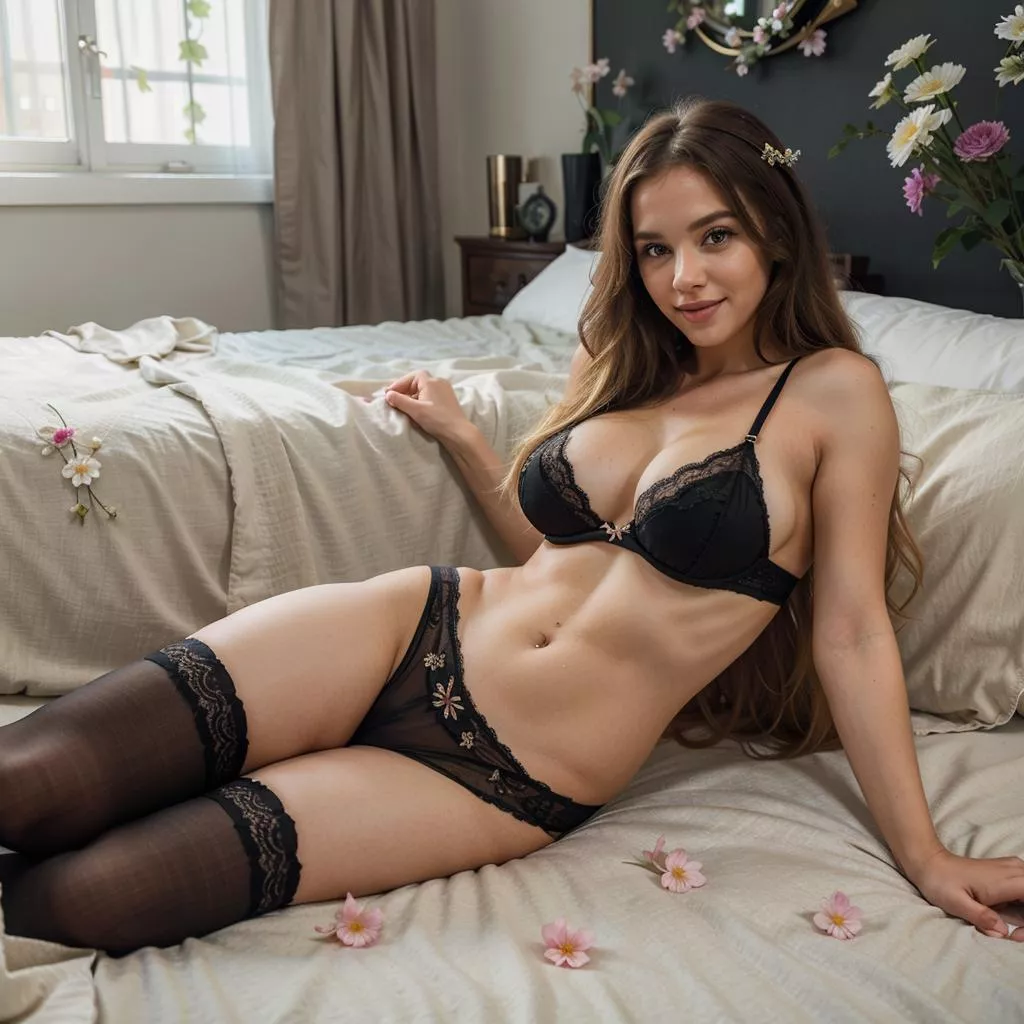
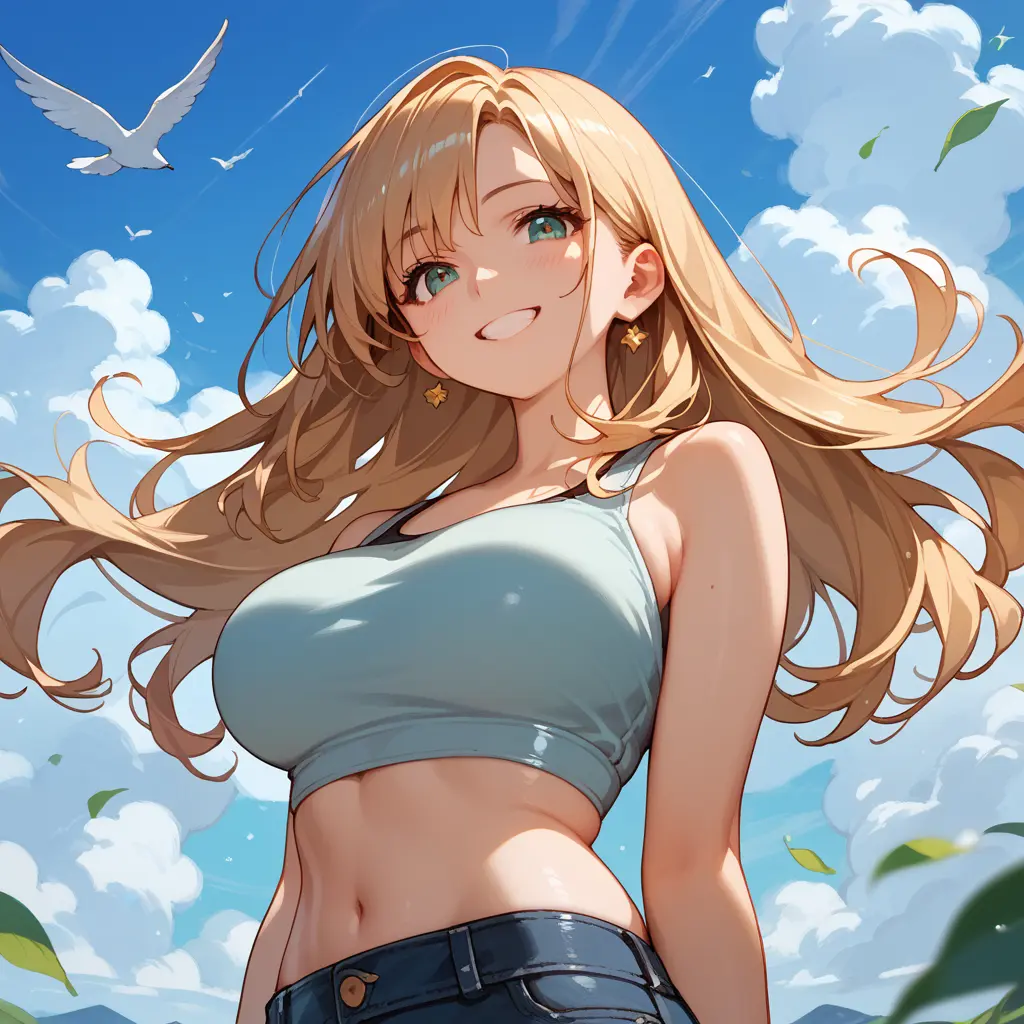
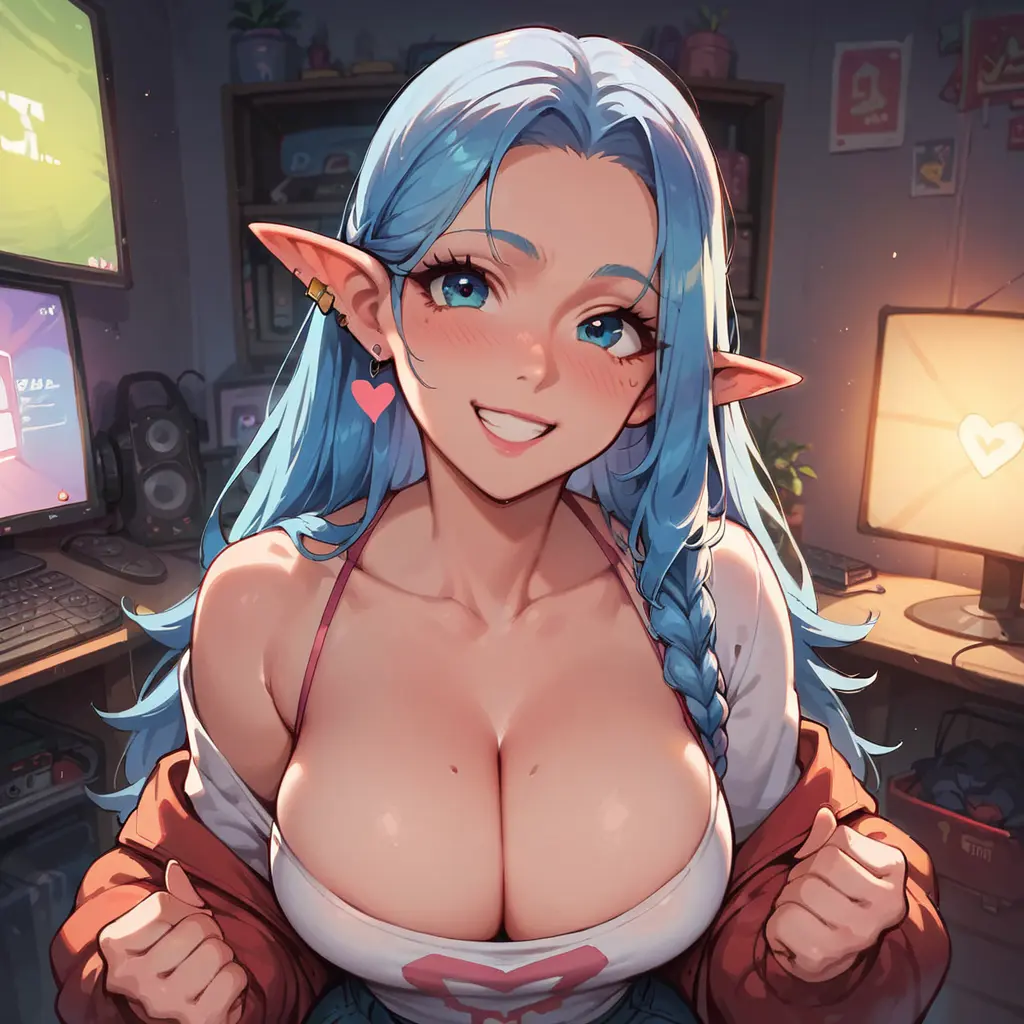
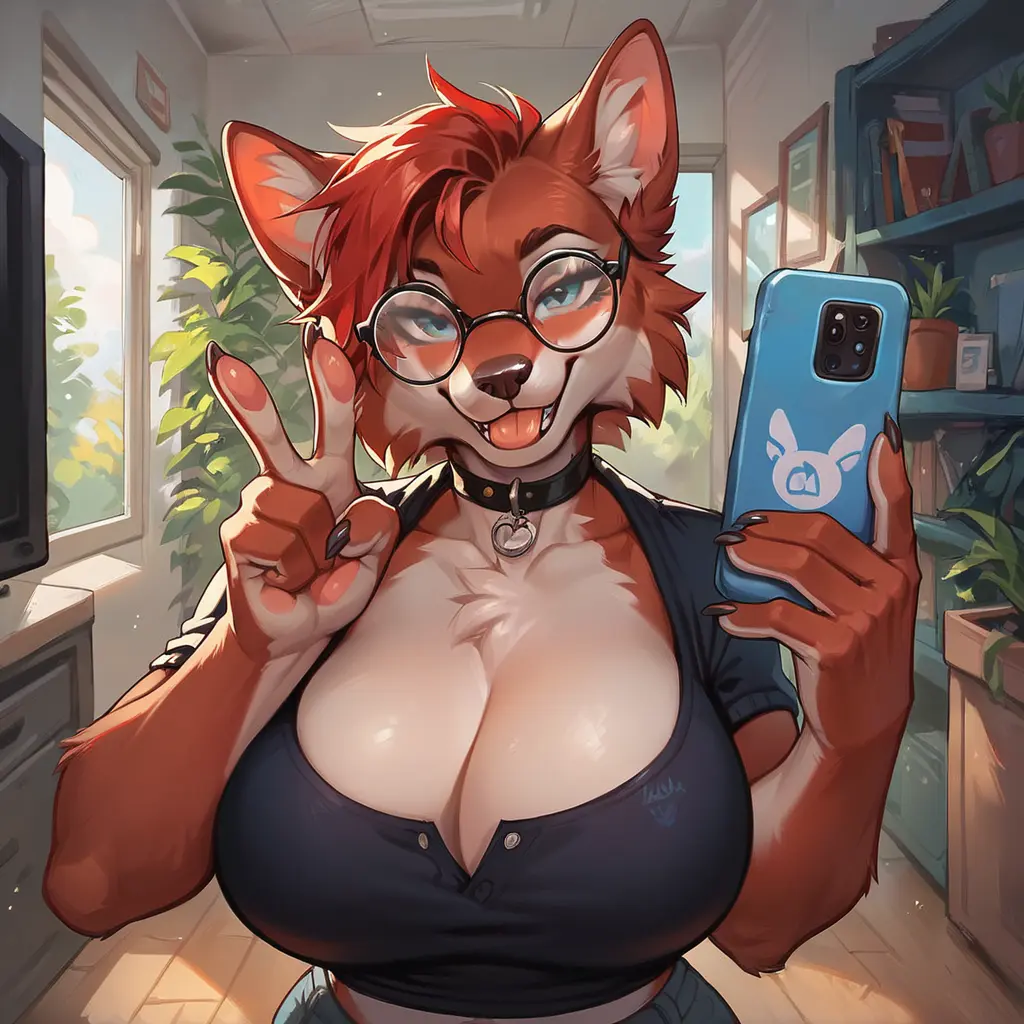
- Single image: 6 coins · Batch of 4: 15 coins 37% off
- Full models (Realism, Art, Anime, Furry): tags for pose, scene & style + batch mode
- Prompt-only models: write a text description — great for stylised or niche aesthetics
Gemini 3 Pro (Nano Banana Pro) - Image Generation
Best Practices
- Describe scenes, don't just list keywords: Use narrative descriptions instead of disconnected words
- Be hyper-specific: Instead of "armor," say "ornate elven plate armor, etched with silver leaf patterns, with a high collar"
- Use camera terminology: "wide-angle shot," "macro shot," "85mm portrait lens with bokeh"
- Iterate and refine: Follow up with "can you make the lighting a bit warmer?"
Example Prompts & Results
"A photorealistic close-up portrait of an elderly Japanese ceramicist with deep, sun-etched wrinkles and a warm, knowing smile. He is carefully inspecting a freshly glazed tea bowl. The setting is his rustic, sun-drenched workshop. The scene is illuminated by soft, golden hour light streaming through a window, highlighting the fine texture of the clay. Captured with an 85mm portrait lens, resulting in a soft, blurred background (bokeh). The overall mood is serene and masterful. Vertical portrait orientation."

"A kawaii-style sticker of a red panda with a cute expression, bold clean outlines, simple cel-shading, pastel colors, transparent background perfect for stickers"

"A high-resolution, studio-lit product photograph of a minimalist ceramic coffee mug in matte black, presented on a polished concrete surface. The lighting is a three-point softbox setup designed to create soft, diffused highlights and eliminate harsh shadows. The camera angle is a slightly elevated 45-degree shot to showcase its clean lines. Ultra-realistic, with sharp focus on the steam rising from the coffee. Square image."

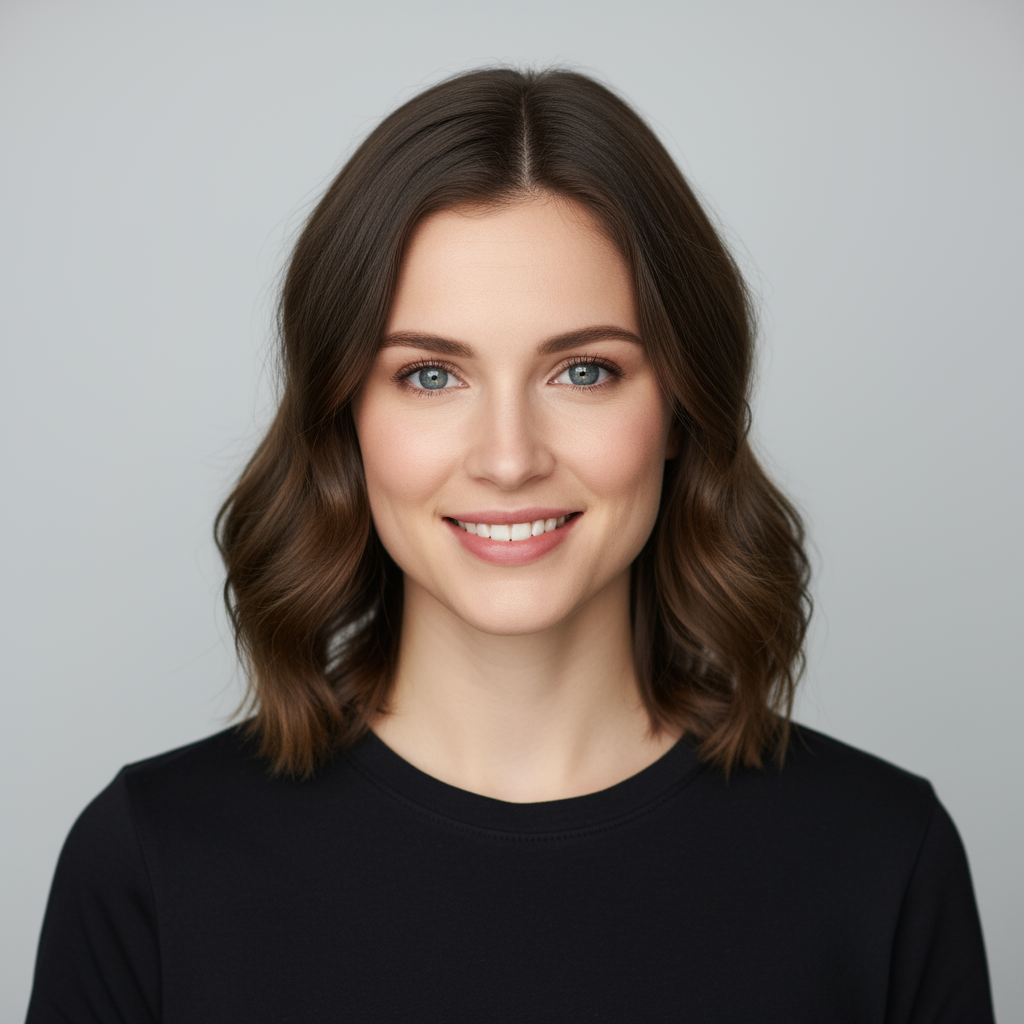
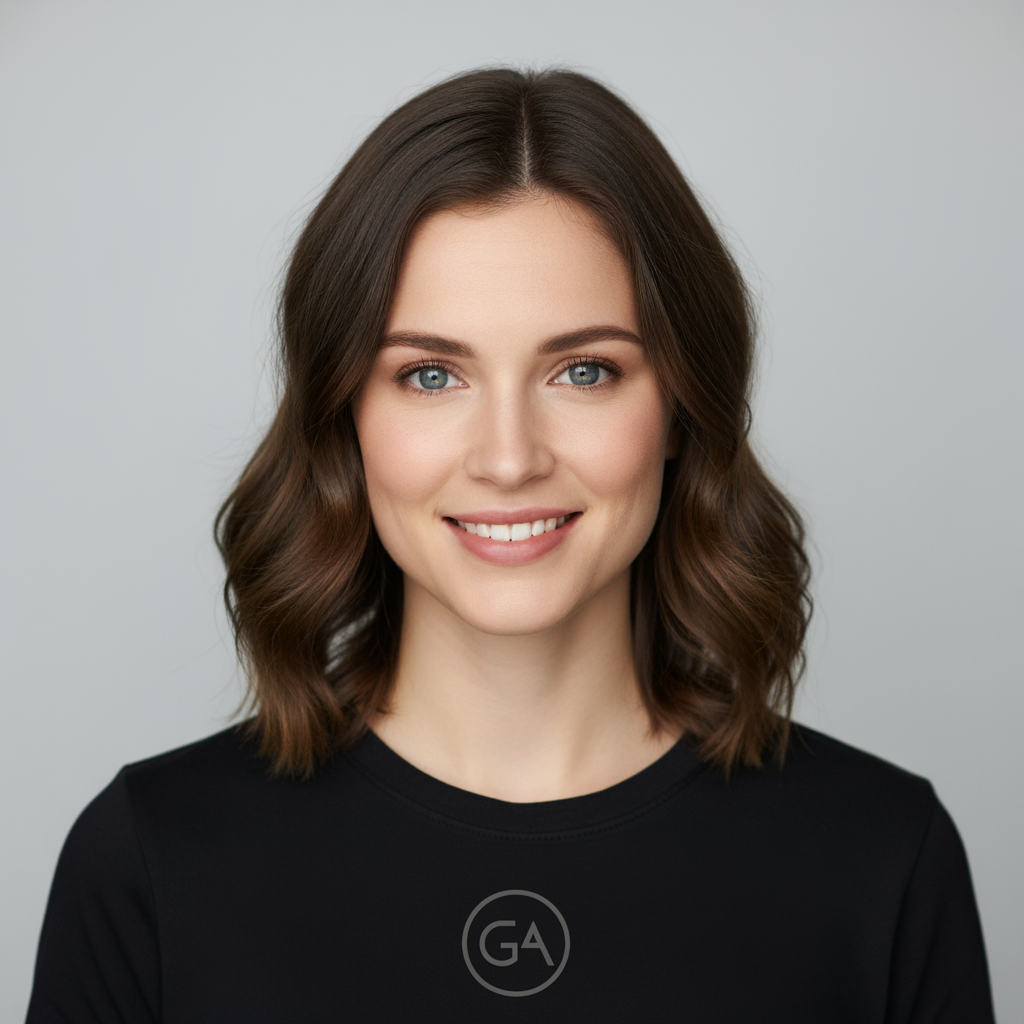
"Take the first image of the woman with brown hair, blue eyes, and a neutral expression. Add the logo from the second image onto her black t-shirt. Ensure the woman's face and features remain completely unchanged. The logo should look like it's naturally printed on the fabric, following the folds of the shirt."

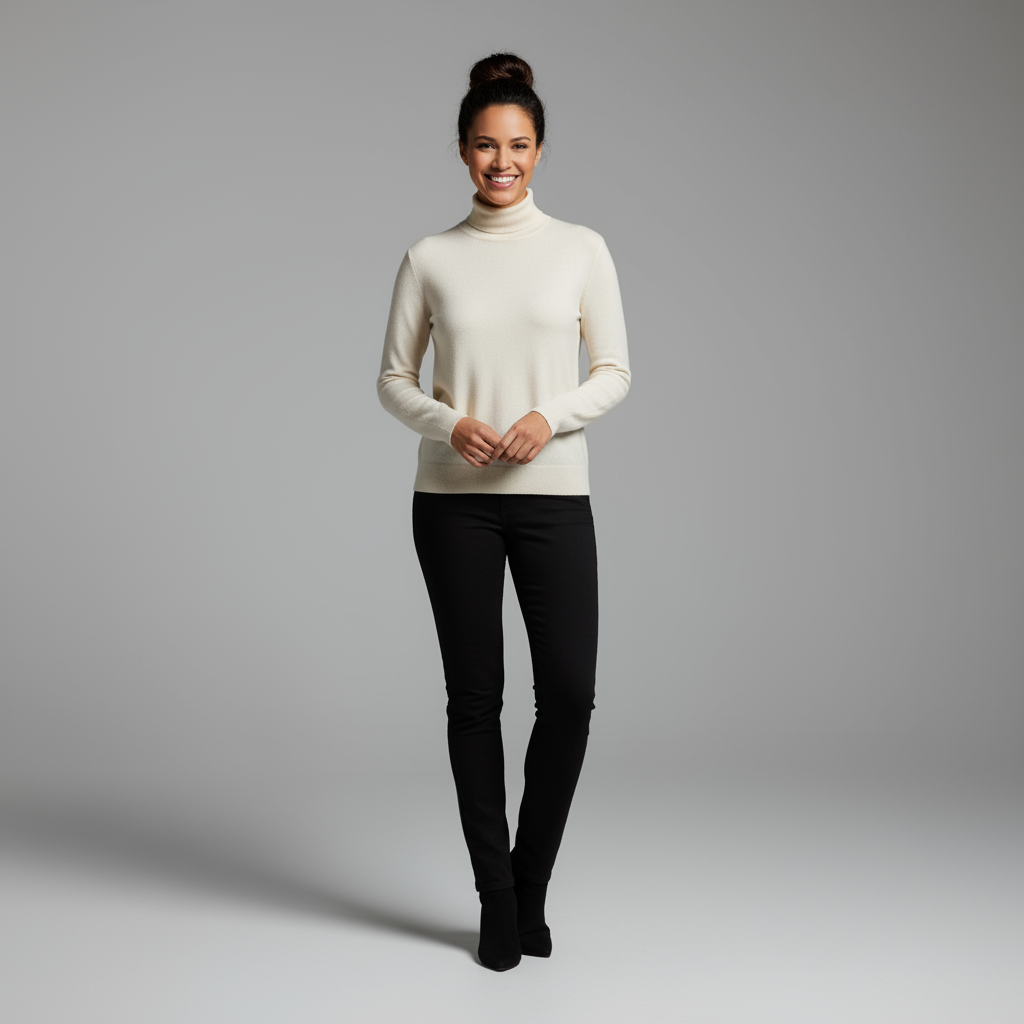
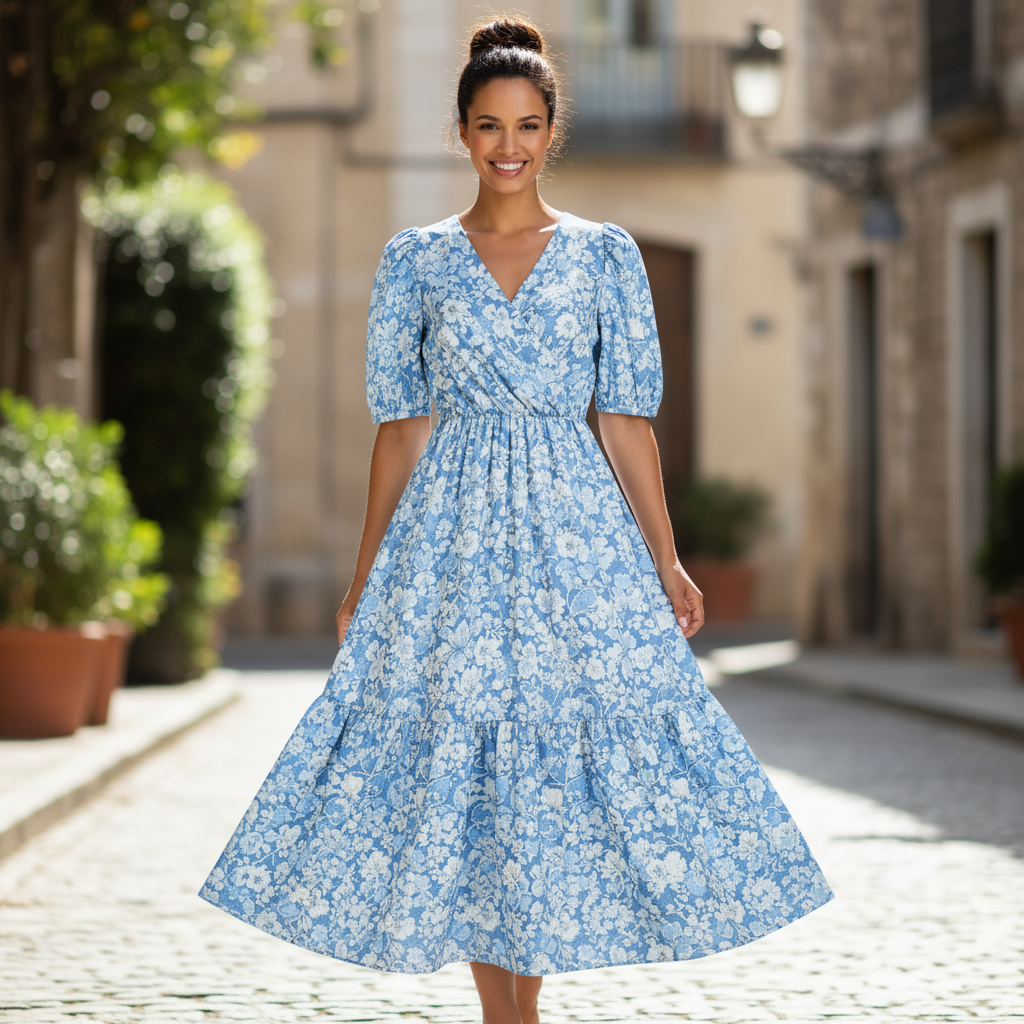
"Create a professional e-commerce fashion photo. Take the blue floral dress from the first image and let the woman from the second image wear it. Generate a realistic, full-body shot of the woman wearing the dress, with the lighting and shadows adjusted to match the outdoor environment."

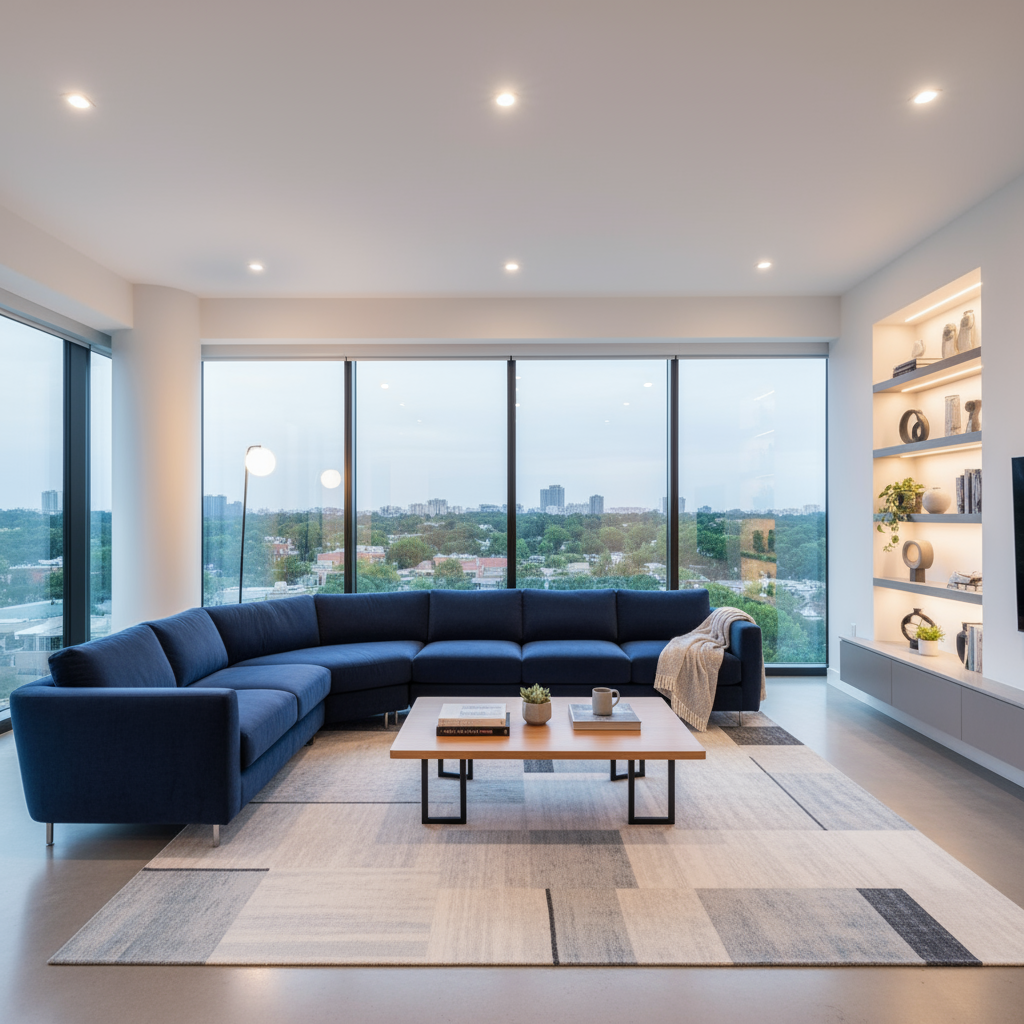
"Using the provided image of a living room, change only the blue sofa to be a vintage, brown leather chesterfield sofa. Keep the rest of the room, including the pillows on the sofa and the lighting, unchanged."

"Using the provided image of my cat, please add a small, knitted wizard hat on its head. Make it look like it's sitting comfortably and matches the soft lighting of the photo."
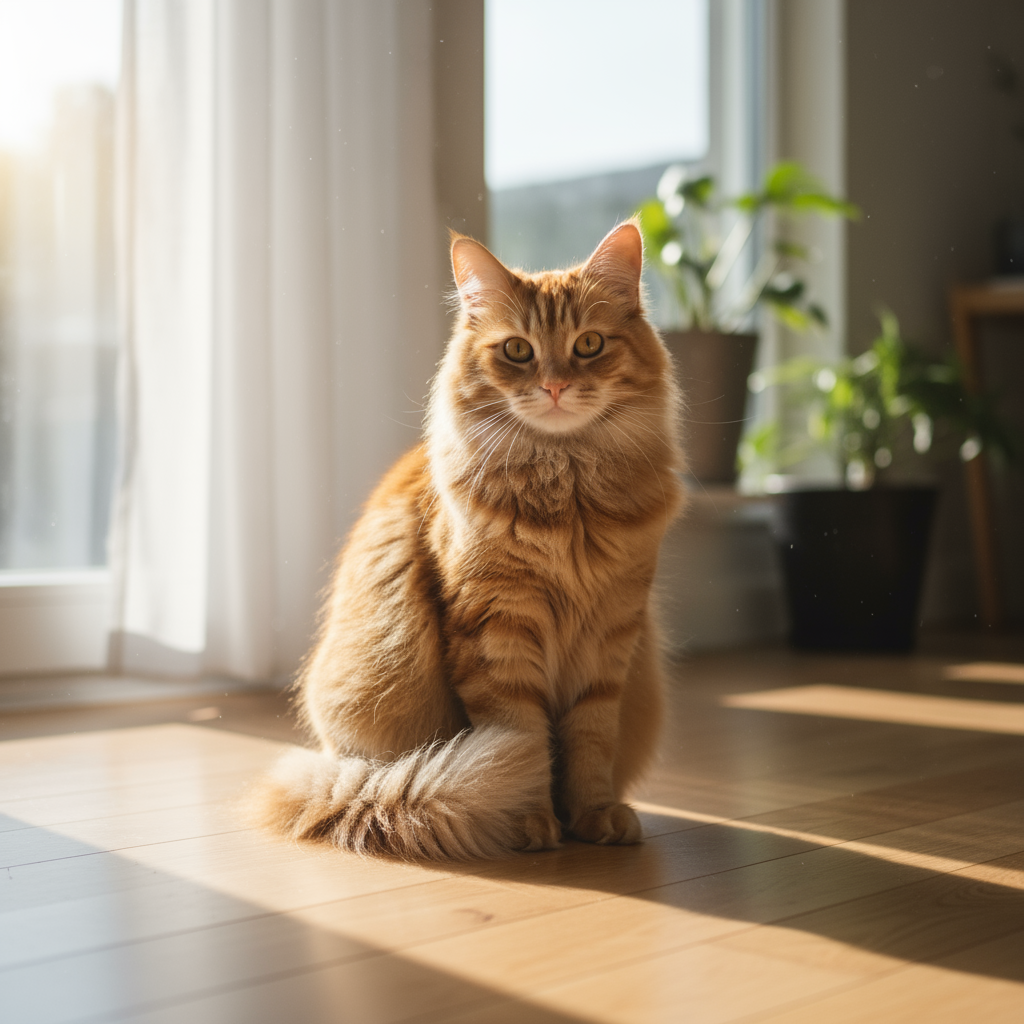

💡 Pro Tip: Gemini 3 Pro excels at multi-image editing and combining elements from different sources. Be specific about which elements to keep unchanged and how to blend new additions naturally.
Imagen 4.0 - Advanced Image Generation
Prompt Structure
A good Imagen prompt is descriptive and clear, making use of meaningful keywords and modifiers. Start by thinking of your subject, context, and style:
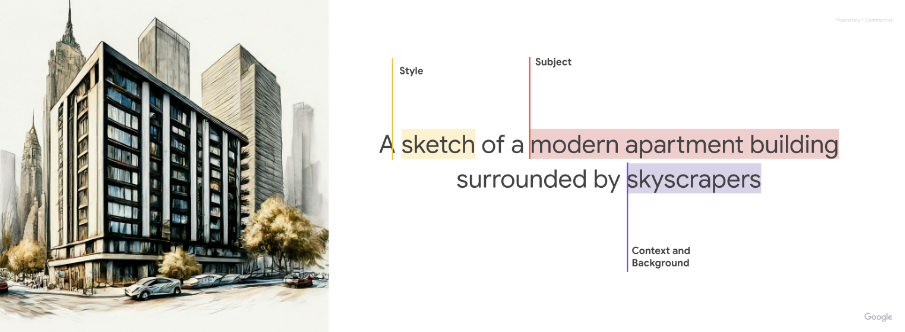
- Subject: What you want to create
- Context: Where it appears and the setting
- Style: How it should look (photography style, mood, aesthetic)
Key Modifiers for Better Results
- Lighting: natural lighting, dramatic lighting, golden hour, warm tones, cool tones
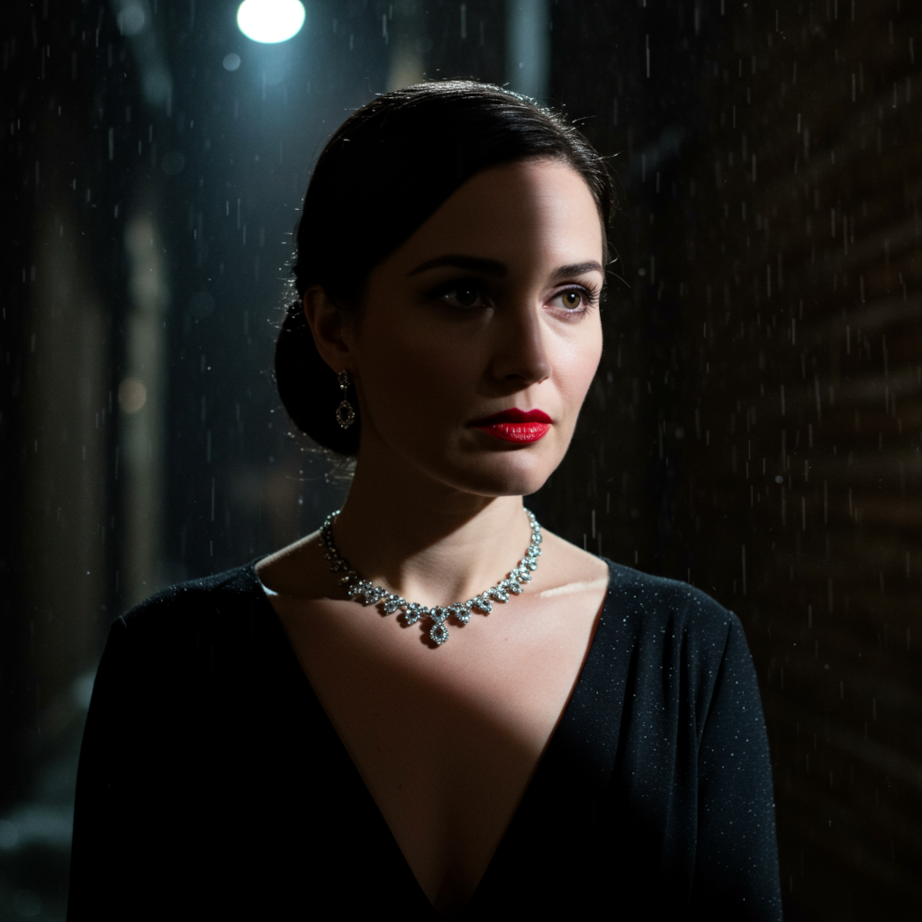
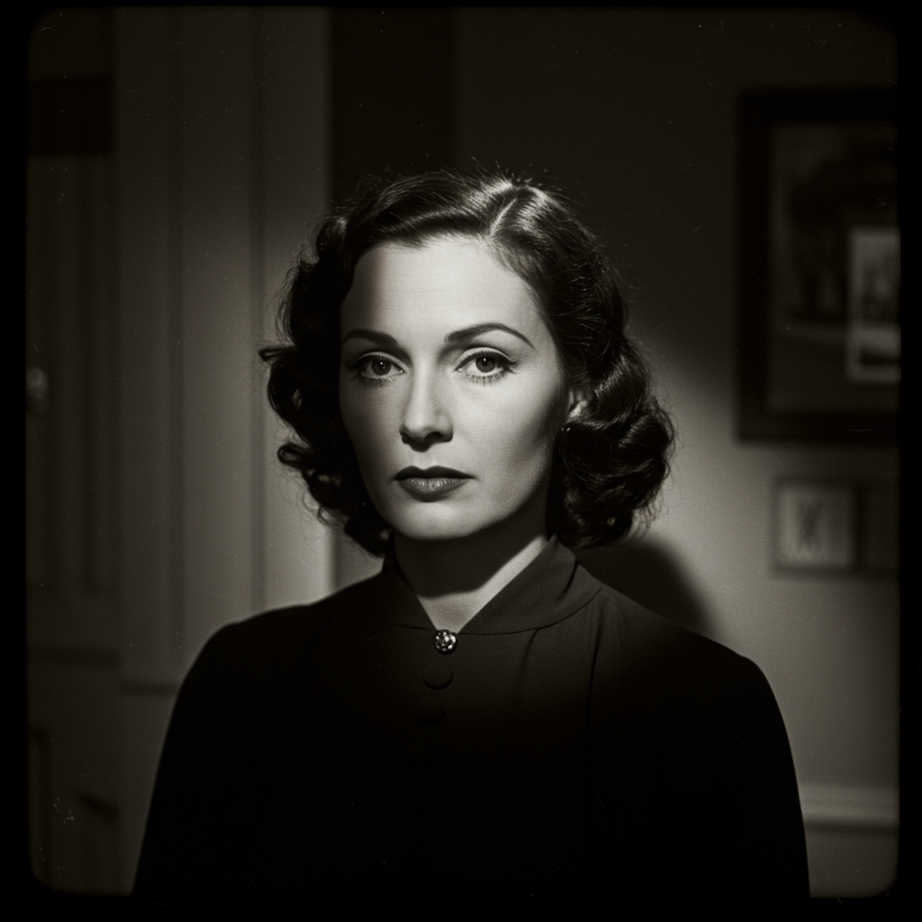
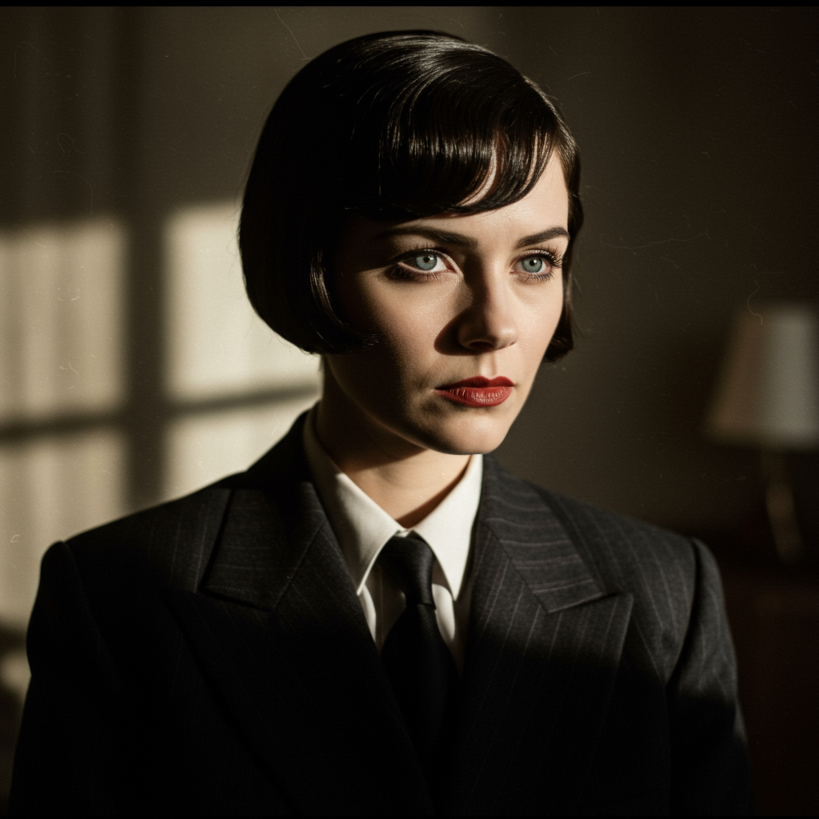
- Photography styles: close-up photo, street photography, studio photo, movie still, portrait, film noir
- Camera/lens details: 35mm portrait, macro, wide-angle, bokeh
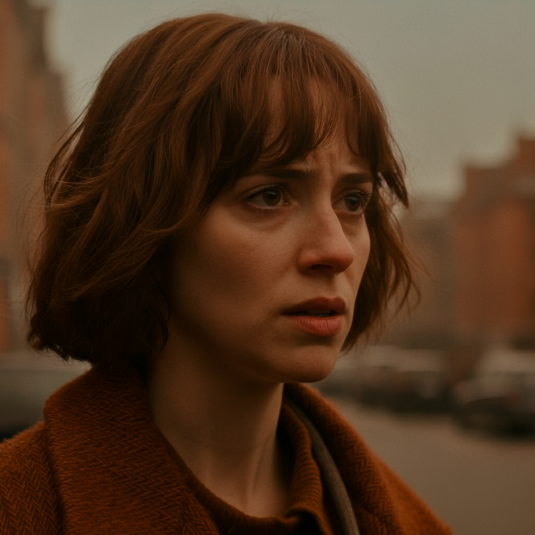
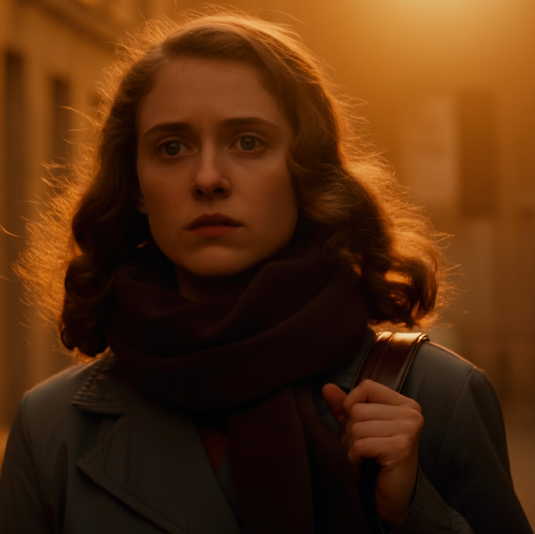
- Mood & atmosphere: muted orange warm tones, cinematic, captivating, moody
Progression: Short to Detailed Prompts
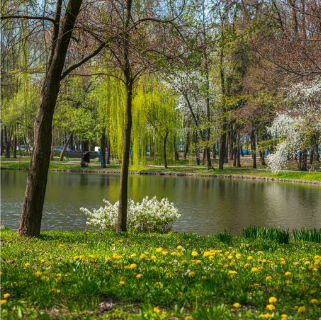
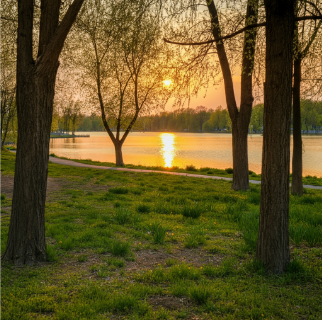
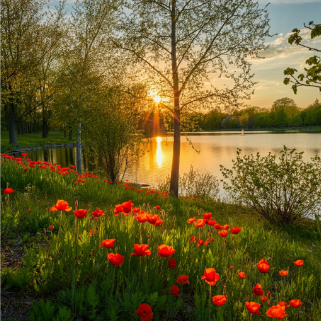
Photography Style Examples
"close-up photo of a woman in her 20s, street photography, movie still, muted orange warm tones"
"captivating photo of a woman in her 20s utilizing a street photography style. The image should look like a movie still with muted orange warm tones."
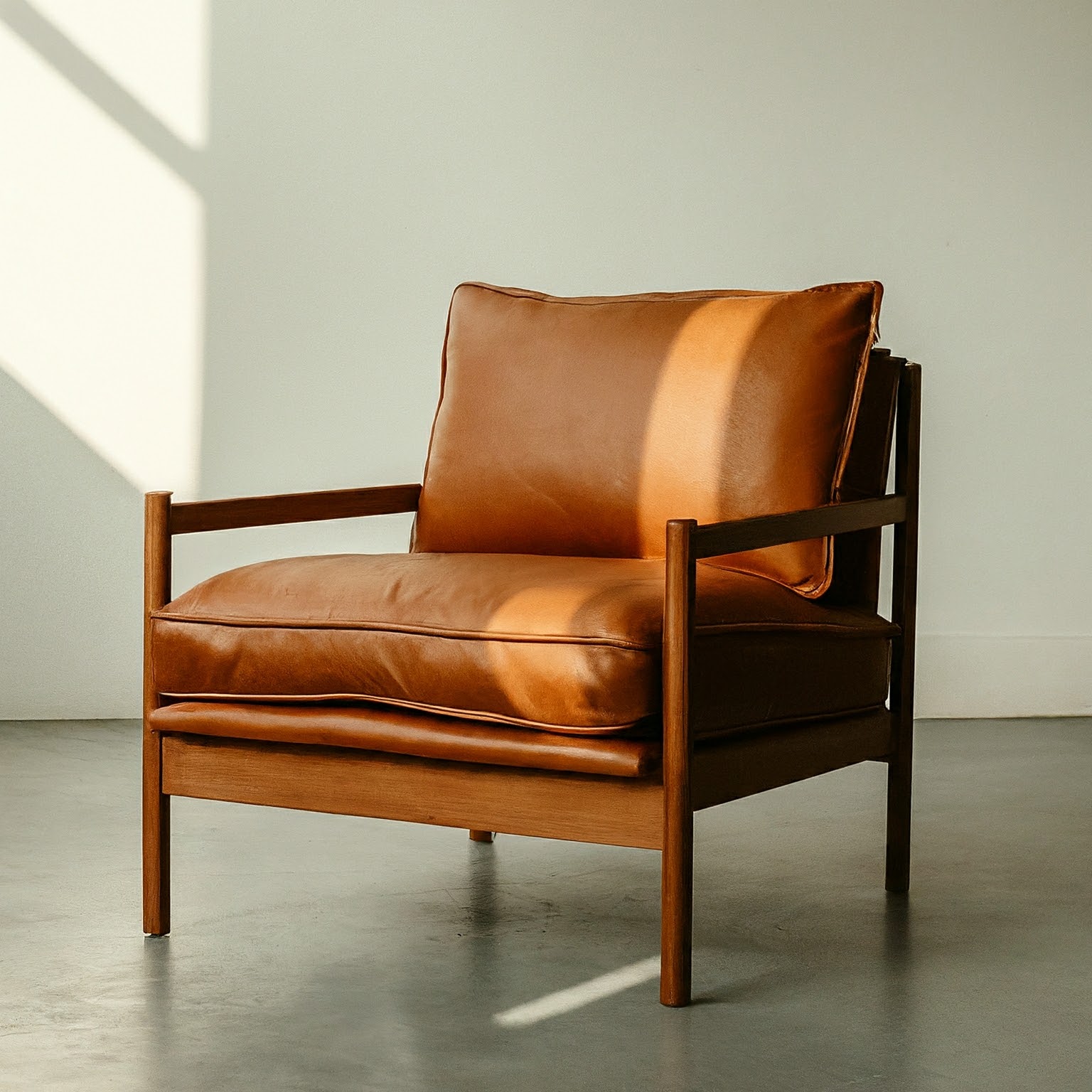
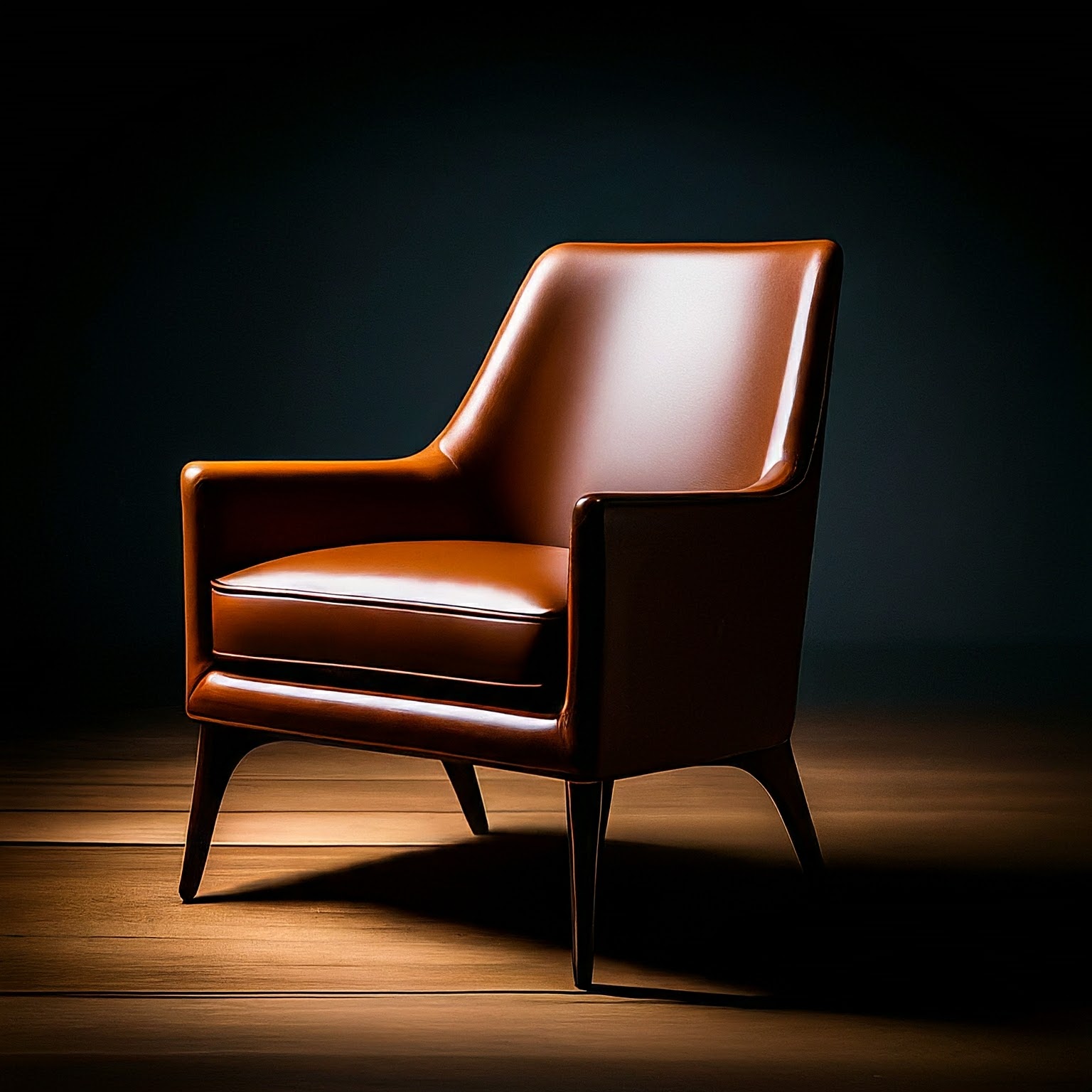
Lighting Comparisons
"studio photo of a modern arm chair, natural lighting"
"studio photo of a modern arm chair, dramatic lighting"
Style Variations - Film Noir
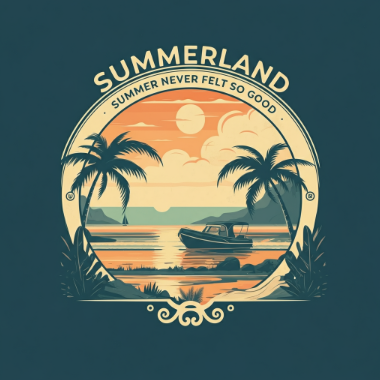
Text in Images
⚡ Pro Tips: More detailed prompts generally produce more refined results. Use specific descriptors for subject, context, and style. Layer in photography terms like lighting conditions, camera angles, and mood. Experiment with different levels of detail to find what works best for your needs.
Veo 2.0 & 3.1 - Video Generation (720p, 1080p, 4K)
Essential Prompt Components
- Subject: Objects, people, or scenery
- Action: What the subject does (walking, running, interacting)
- Style: Aesthetic direction (cinematic, film noir, sci-fi, animated)
- Camera Work: Shot types and movement (dolly shot, aerial view, POV, tracking)
- Ambiance: Lighting and color (warm sunlight, cool blue tones, dramatic shadows)
- Audio: Describe sounds, dialogue, and ambient noise
Dialogue Formatting
To avoid unwanted subtitles, use colons instead of quotes:
"A man says: My name is Ben (no subtitles)"
"A man says 'My name is Ben'"
"Close-up of two people staring at a cryptic drawing on a wall, torchlight flickering. A man murmurs: This must be it. That's the secret code. The woman looks at him and whispering excitedly: What did you find?"
Example Prompts & Results
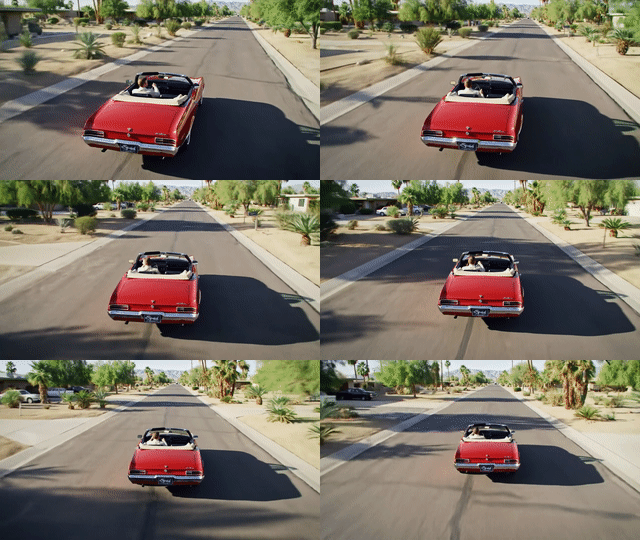
"Wide cinematic shot of palm trees swaying in a desert landscape at golden hour, warm lighting, gentle wind rustling through fronds, peaceful ambient sounds"
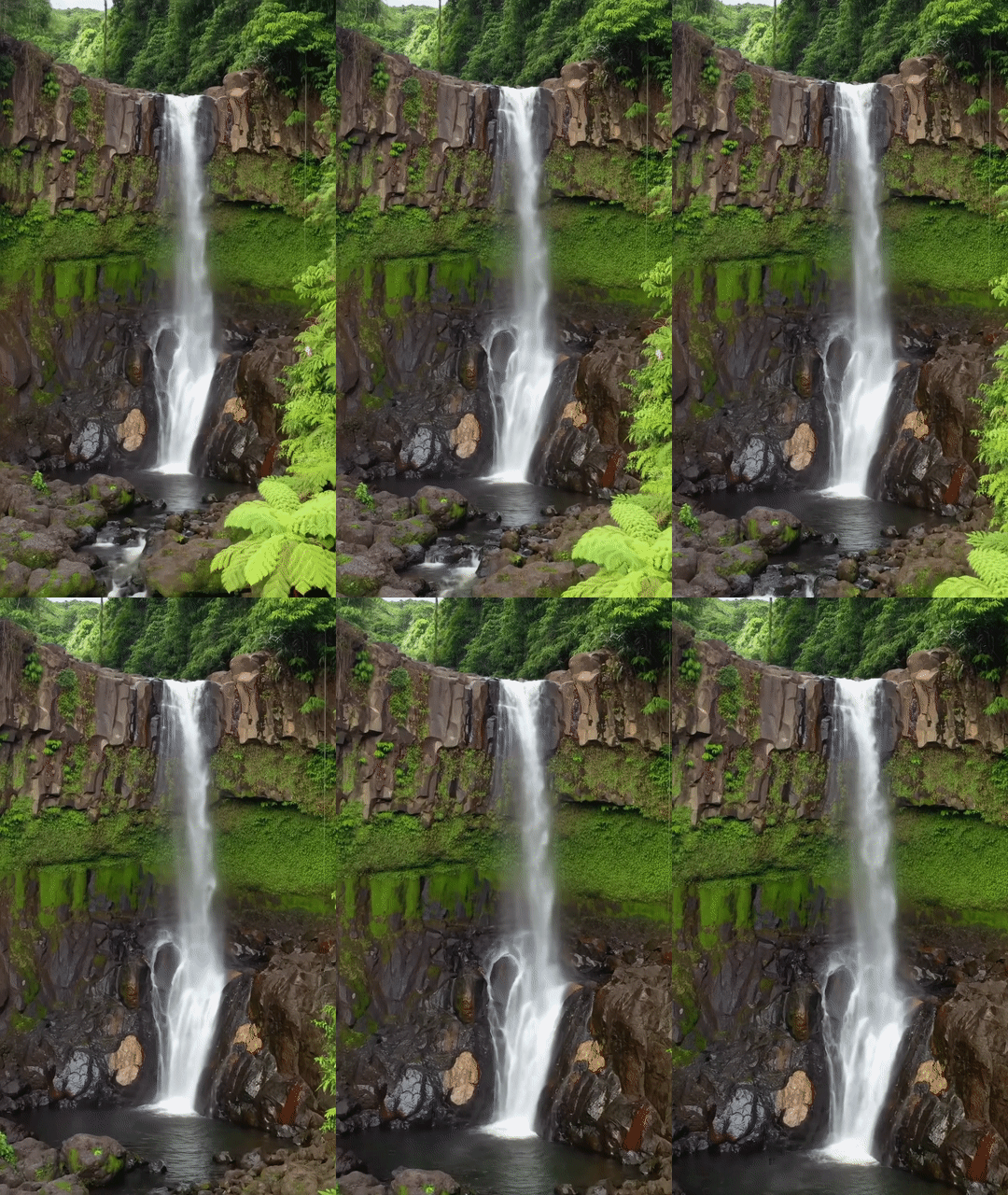
"Beautiful waterfall cascading down mossy rocks in a lush forest, misty atmosphere, sound of rushing water, birds chirping in the background"
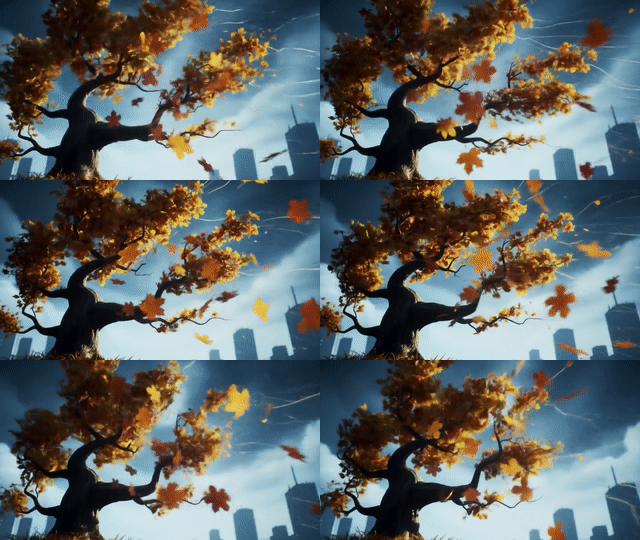
"Lone tree in a foggy landscape, moody atmosphere, cool blue tones, mysterious ambiance, gentle wind sounds"
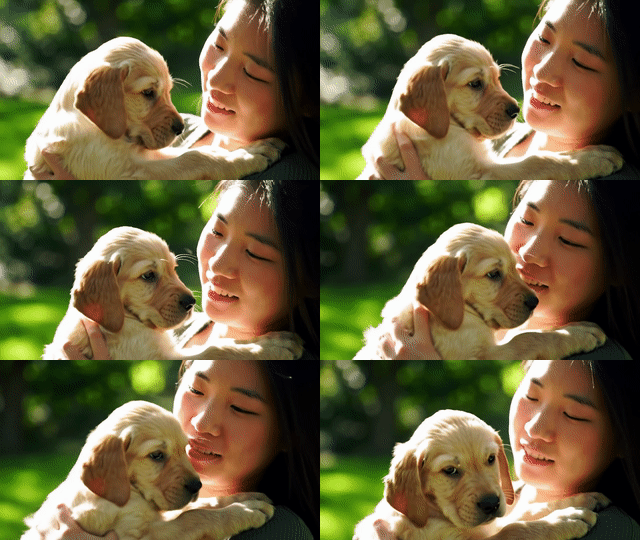
"Cute puppy running through a sunny meadow, happy mood, bright colors, playful energy, cheerful background music"
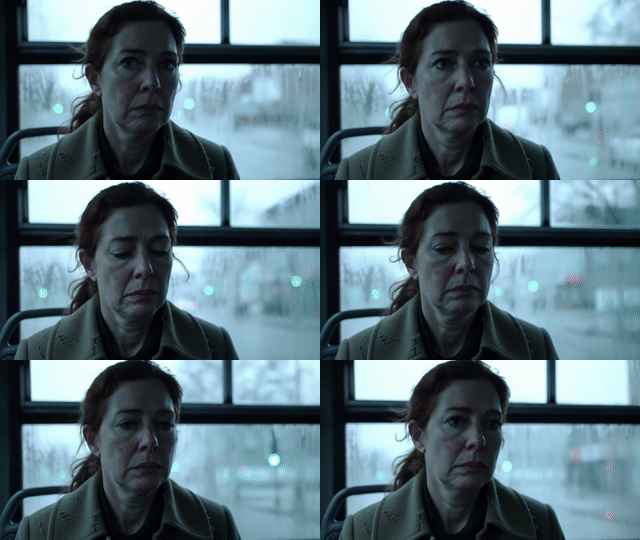
"Person sitting alone in dimly lit room, melancholic atmosphere, cool tones, dramatic shadows, soft piano music, distant rain sounds"
Text to Video Generation
Veo transforms text prompts into high-quality videos with dialogue, sound effects, and cinematic realism.
Dialogue and Sound Effects
Cinematic Realism
Creative Animation
Image to Video Generation
Transform static images into dynamic videos. Upload a reference image and describe the motion, camera work, and atmosphere you want to create.
The video opens with a medium, eye-level shot of a beautiful woman with dark hair and warm brown eyes. She wears a magnificent, high-fashion flamingo dress with layers of pink and fuchsia feathers, complemented by whimsical pink, heart-shaped sunglasses. She walks with serene confidence through the crystal-clear, shallow turquoise water of a sun-drenched lagoon. The camera slowly pulls back to a medium-wide shot, revealing the breathtaking scene as the dress's long train glides and floats gracefully on the water's surface behind her. The cinematic, dreamlike atmosphere is enhanced by the vibrant colors of the dress against the serene, minimalist landscape, capturing a moment of pure elegance and high-fashion fantasy.


Interpolation - Using First and Last Frames
Create smooth transitions between two images by providing a first frame and last frame. Veo generates the in-between frames to create a seamless video transition.


Essential Prompt Components
- Subject & Action: What's happening in the scene (people walking, car driving, robot gardening)
- Camera Work: Shot types and movement (drone shot, close-up, tracking shot, aerial view)
- Style: Visual aesthetic (cinematic, stop-motion animation, realistic, stylized)
- Lighting & Atmosphere: Time of day, mood, weather (sunset, torchlight, golden hour)
- Audio: Dialogue, sound effects, ambient sounds (engine roaring, waves crashing, whispering)
🎬 Pro Tips: Keep dialogue short (~8 seconds maximum). Layer multiple audio elements (dialogue, ambient sounds, music). Specify camera movements (dolly shot, drone view, tracking shot). Add "(no subtitles)" if you want dialogue without text overlay. Be specific about camera movements, sound details, and atmosphere. For image-to-video, describe the motion you want to see from the static image. Choose resolution: 720p (standard), 1080p HD (8s only), or 4K premium (8s only, higher cost). Choose aspect ratio: 16:9 (widescreen) or 9:16 (portrait)
Fast 3D - Image to 3D Model
Best Practices for Source Images
- Clear subject: Single object with clear edges and definition
- Good lighting: Even lighting without harsh shadows
- Clean background: Solid or simple backgrounds work best
- Multiple angles: Front-facing objects convert more accurately
- High contrast: Clear distinction between object and background
What Works Well
- Products and objects (shoes, furniture, gadgets)
- Characters and creatures (toys, figurines)
- Architectural elements (buildings, structures)
- Vehicles (cars, bikes, spacecraft)
Output Formats
- GLB: Best for web and AR applications, includes textures
- STL: Perfect for 3D printing, geometry only
Example: Image to 3D Conversion

💡 Workflow Tip: Generate your ideal product image with Imagen 4.0 first, then convert it to 3D with Fast 3D for consistent, high-quality 3D assets. The resulting 3D models can be viewed in any GLB viewer or imported into 3D software like Blender.